August 4, 2026
How Orders Are Assigned to the Right Customer
2 MIN READ
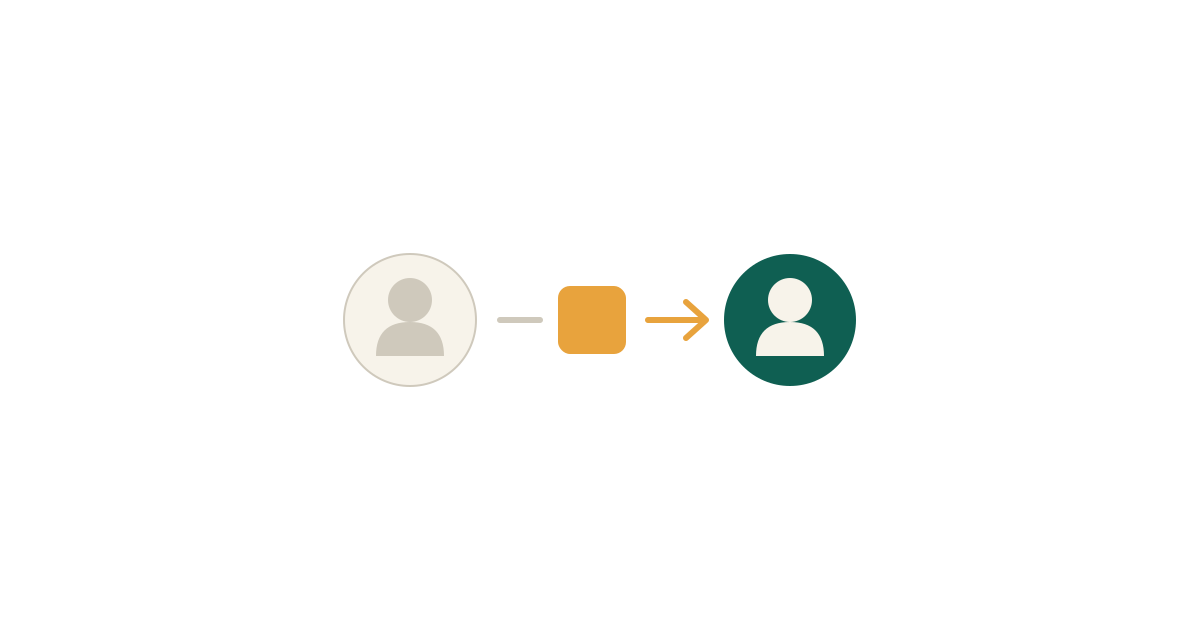
When an agent checks out during a session, Shopify initially records the order against the agent, because they are the signed-in customer. The app then reassigns it to the customer the agent was acting for. This happens automatically within a few seconds. This article explains the mechanism, because knowing it makes the rare failure easy to recognise and fix.
What Happens After Checkout
Shopify notifies the app that an order was created. The app checks whether the order came from an agent session and, if so, moves it onto the correct customer and points the order's contact email at them. From that moment the order behaves as if the customer had placed it themselves: it appears in their order history, and shipping, delivery and cancellation notifications go to them rather than to the rep. One thing cannot be moved: the initial order confirmation email. Shopify sends it at the moment of checkout, before the app is notified, so it goes to the agent. This is a limitation of the platform. Many shops treat it as useful — the rep gets a copy of what they just placed.
If an Order Is Still on the Agent
Reassignment normally completes within about five seconds. If you look immediately after checkout, you may briefly see the order under the agent's name — refresh before concluding anything is wrong. If an order is still assigned to the agent after a minute, something interrupted the process, usually a temporary connectivity problem. There are two ways it gets corrected. The app rechecks orders from the last three days once every 24 hours and fixes any it finds. In most cases you do not need to do anything — the order will be corrected by itself. If you need it corrected now, open the order in your Shopify admin and run the Reassign impersonated order action. It performs the same reassignment immediately.
On Plans Without Native Checkout
This flow applies where agents complete checkout directly. Where the app instead creates a draft order and sends an invoice, the order is created against the correct customer from the outset, so there is nothing to reassign. If your shop uses the draft order flow, you will not encounter this at all.
Reporting and Reconciliation
Because orders end up on the customer's account, your reports, customer lifetime values and segments stay accurate without any adjustment. An agent's own customer record does not accumulate their customers' orders. If you need to trace rep activity rather than customer activity, the consent record on each customer names the responsible agent, and Shopify's order timeline shows when an order was assigned. That is the deliberate split: orders belong to customers, and the record of who acted sits with the customer.